Connect your channels and integrations
Link the right public channel, then authorize it to unlock the additional insights its platform provides.
Using your phone? Open these settings in the Songstats app, or use the links below on a computer.
Open Profile Settings → Channels for your artist or label. Check the public URL, then use its connection action and sign in to the account that owns or manages that channel. Review the permissions and complete the provider’s prompts.
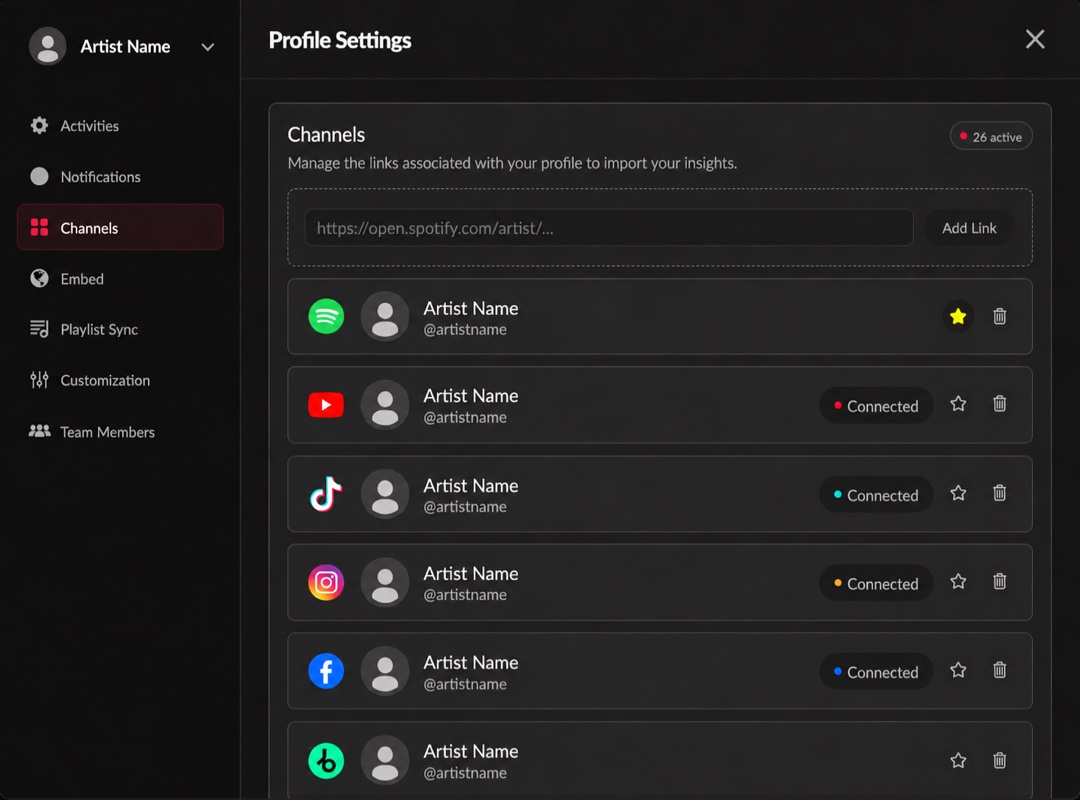
Linked platforms and their connection status. Click the image to enlarge it.
A public link identifies a channel; authorization grants access to additional available insights. The connection does not guarantee every metric or all historical data, and you can only authorize accounts you have permission to manage.
Check the connection status after returning to Songstats. For a failure, use reconnecting a channel. For a wrong account, correct its link first.