Create and troubleshoot PDF reports
Generate a track report from its analytics view, with the source and dates you want to share.
Using your phone? Open these settings in the Songstats app, or use the links below on a computer.
Open the track and use its report/export control. Confirm the source and reporting period before downloading.
No report option? Check Subscriptions. The track must fall within your access; a Label plan covers releases in that label’s catalog. If a label release is missing, ask Support to correct the catalog rather than buying another plan.
Want your own logo? Add it in Profile Settings → Customization.
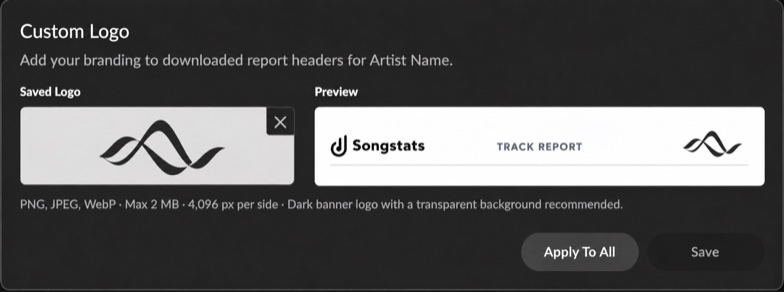
Custom branding appears in downloaded report headers. Click the image to enlarge it.
If a download fails, try the desktop website and allow its download prompt. For incorrect report data, send Support the track, source, dates and affected metric, compared with the same analytics view.