Update your name, image or biography
Ask Support to update your name, profile image or biography. Customization handles report branding and Songshare settings.
Using your phone? Open these settings in the Songstats app, or use the links below on a computer.
Contact Support with your Songstats profile URL and the exact replacement name or biography. For an image, attach one you are authorized to use. For a rebrand, include your updated official platform links.
These corrections change your Songstats presentation. Update names or credits on Spotify and other stores through the platform or your distributor separately.
Customize your reports
Profile Settings → Customization lets you set a report logo and the available Songshare tracking/source-order options. It does not rename your public artist profile.
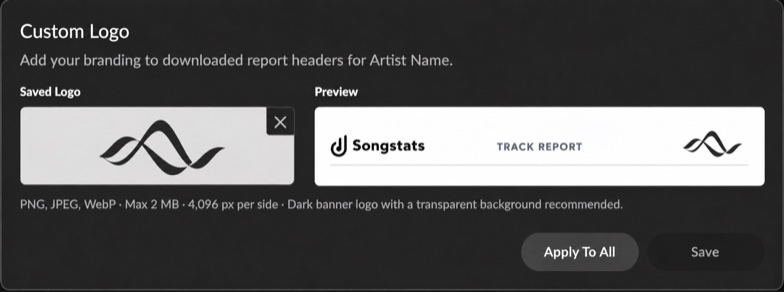
The logo controls and report-header preview in Customization. Click the image to enlarge it.
Use a PNG, JPEG or WebP logo up to 2 MB and 4,096 pixels per side. A dark logo with a transparent background works best on the report’s white header.